> ## Documentation Index
> Fetch the complete documentation index at: https://www.jetify.com/docs/llms.txt
> Use this file to discover all available pages before exploring further.
# Monitoring Your Deployments
> Jetify Cloud automatically provides build and runtime logs for each of your deployments in the Jetify Dashboard.
## Build Logs[](#build-logs "Direct link to Build Logs")
Build logs include all the logs generated when cloning, building, and uploading your project to
Jetify's Docker Registry. You can check the build logs to see why a build or deployment failed, or
to identify bottlenecks in the build process. Build logs automatically stream in realtime.
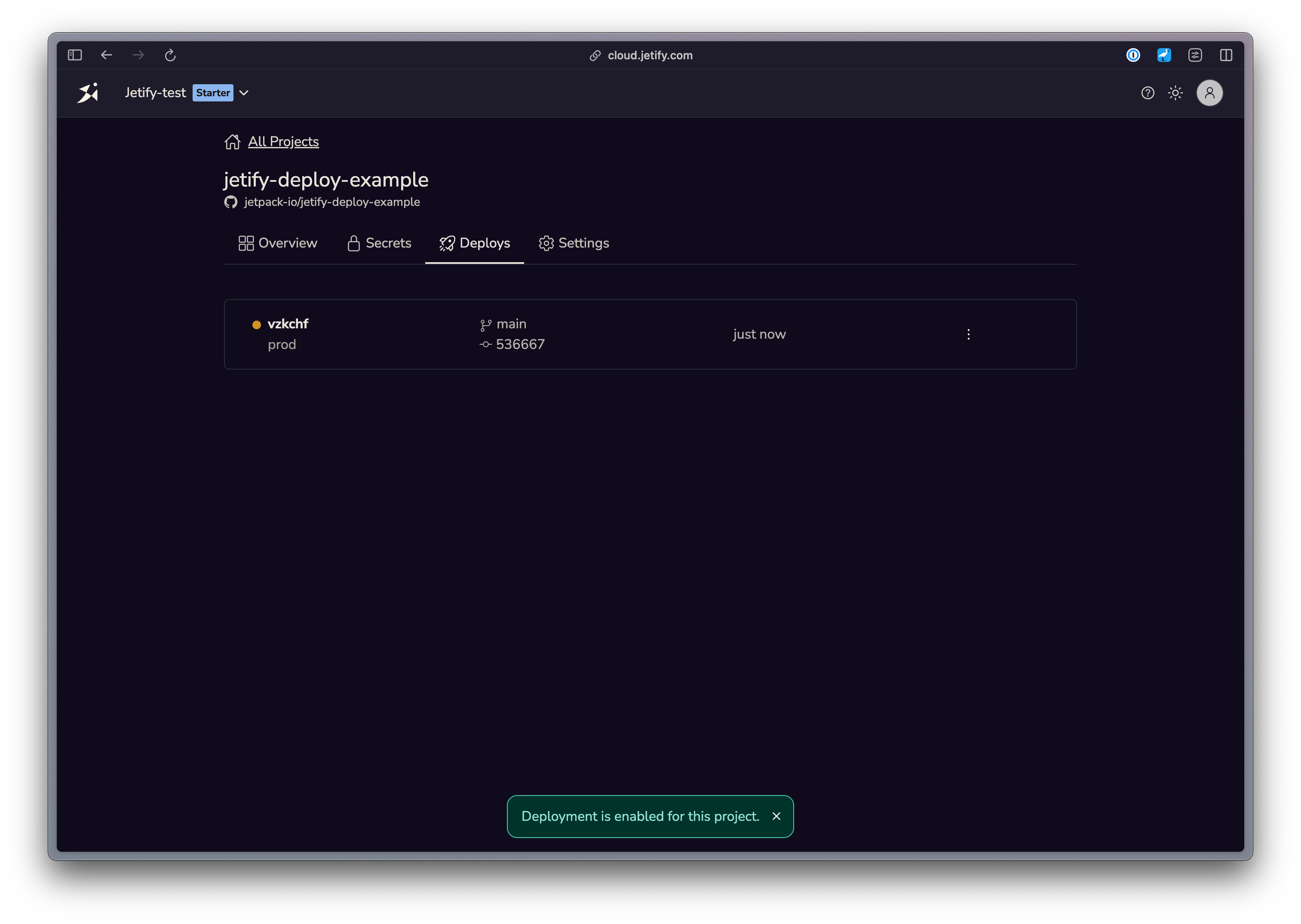
You can view the build logs for a specific deployment by selecting the deployment, and then
expanding the Build logs section
 ## Runtime Logs[](#runtime-logs "Direct link to Runtime Logs")
Runtime logs capture everything that has happened in your application after it is deployed to the
Jetify Cloud. You can use these logs to for testing and debugging server-side errors, or for
understanding why a given deployment has failed to start.
Runtime logs stream in realtime, and Devbox retains the last 24 hours of runtime logs for each of
your deployments.
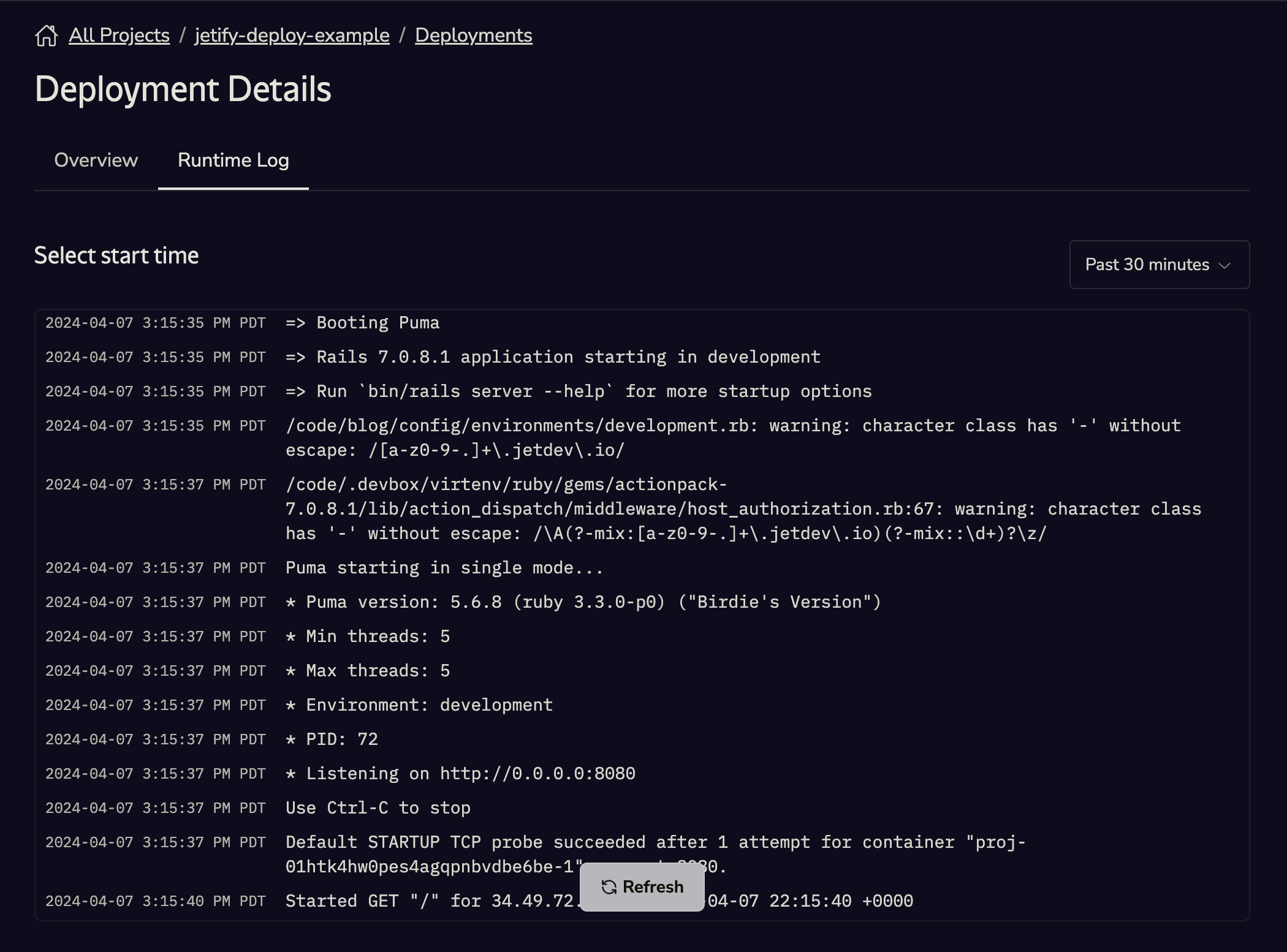
You can view your Runtime Logs by clicking the **Runtime Logs** tab in your Deployment Details page:
## Runtime Logs[](#runtime-logs "Direct link to Runtime Logs")
Runtime logs capture everything that has happened in your application after it is deployed to the
Jetify Cloud. You can use these logs to for testing and debugging server-side errors, or for
understanding why a given deployment has failed to start.
Runtime logs stream in realtime, and Devbox retains the last 24 hours of runtime logs for each of
your deployments.
You can view your Runtime Logs by clicking the **Runtime Logs** tab in your Deployment Details page:
 ## Preview URL[](#preview-url "Direct link to Preview URL")
In addition to build and runtime logs, Jetify Cloud automatically generates a randomized preview URL
that you can use to test your application, or to share a preview of the deployment with other users
and developers. Each deployment receives a unique preview URL.
To preview your deployment, click the **View** button on the Deployment Details page.
## Preview URL[](#preview-url "Direct link to Preview URL")
In addition to build and runtime logs, Jetify Cloud automatically generates a randomized preview URL
that you can use to test your application, or to share a preview of the deployment with other users
and developers. Each deployment receives a unique preview URL.
To preview your deployment, click the **View** button on the Deployment Details page.